What is next.
Today, tomorrow, and the days you are waiting for.
- Countdowns and preparation in one place.
- Complete a task without losing your place.
Jiangzhi · Countdowns & preparation
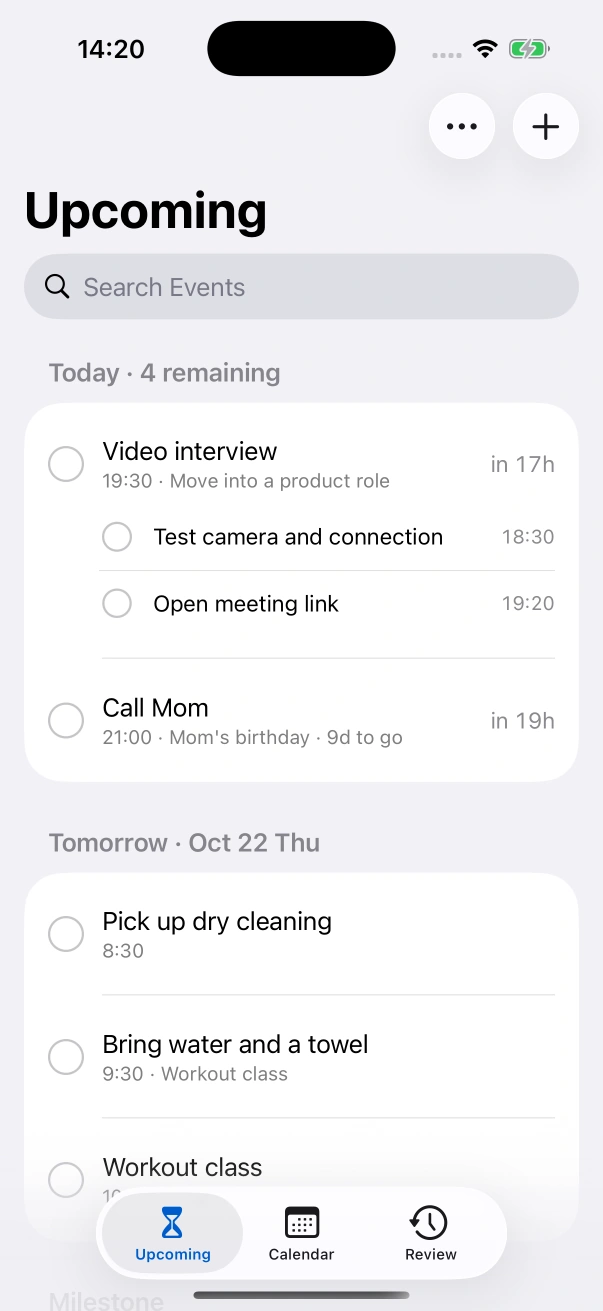
Something to look forward to. A little preparation along the way.
Trips, birthdays, interviews, and the small things happening tonight.
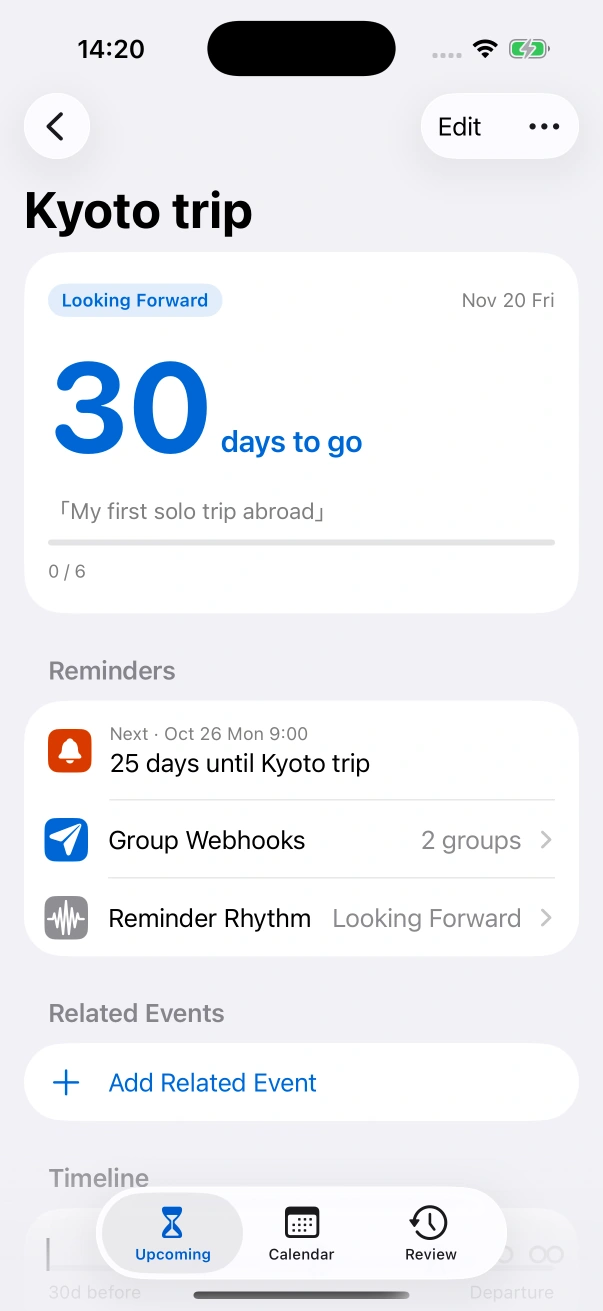
Arrange tasks relative to the event. Change the date, and preparation moves with it.
A gentle rhythm for distant milestones. Specific reminders when it is time to act.
Native controls. Local data. Useful system integrations.
Today, tomorrow, and the days you are waiting for.
A checklist that follows the event date.
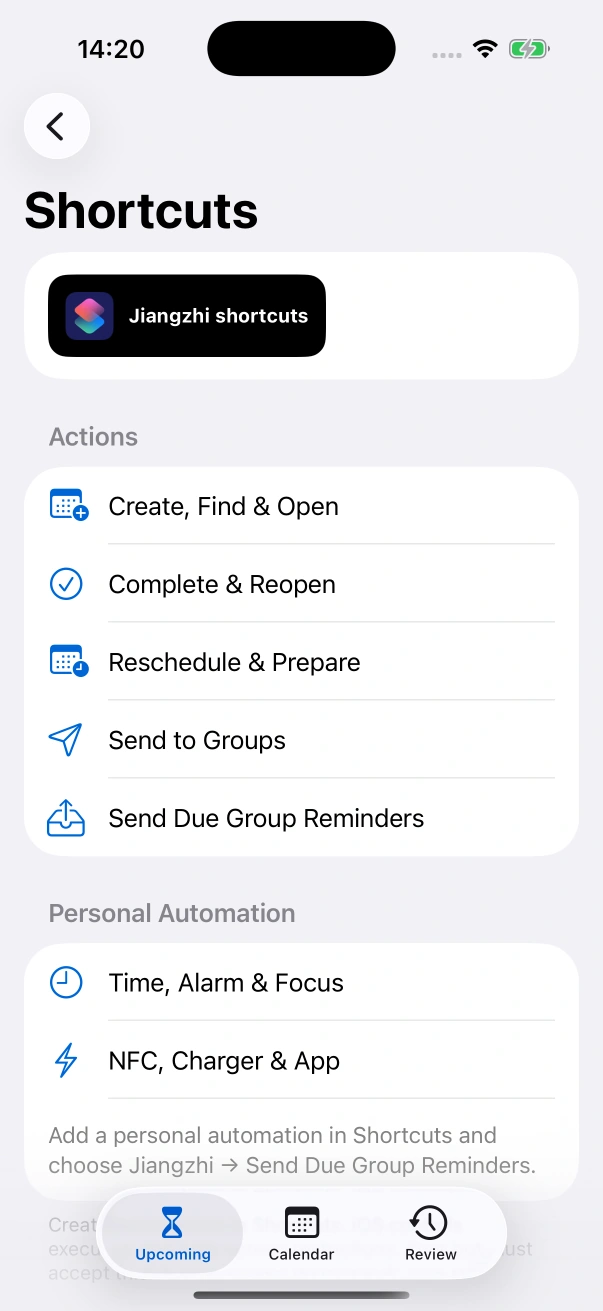
Create, find, move, complete, and send events with Shortcuts.
The first beta includes the complete planning experience.
Planning
System features
Availability
Requires iOS 17 or later. Some system features require a newer iOS version. App Store availability follows release approval.
Local notifications and system alarms are scheduled on your device. Sound and delivery presentation follow your notification, Focus and alarm permissions. Group messages and feedback require a network connection.
No. iOS does not wake an app to make a network request when a local notification fires. Jiangzhi sends while running, during opportunities granted by iOS, or when a Shortcuts automation runs. It shows delivery history and avoids blindly retrying an unconfirmed request.
In Shortcuts, create a personal automation and add Jiangzhi → Send Due Group Reminders. Choose a time, alarm, Focus or another supported trigger. iOS controls execution, lock-screen restrictions and confirmation requirements.
For iPhone and iPad, iOS 17 or later.